
- 1
Open Payments
Settings → Payments.
- Open Settings, then Payments.
app.stageory.com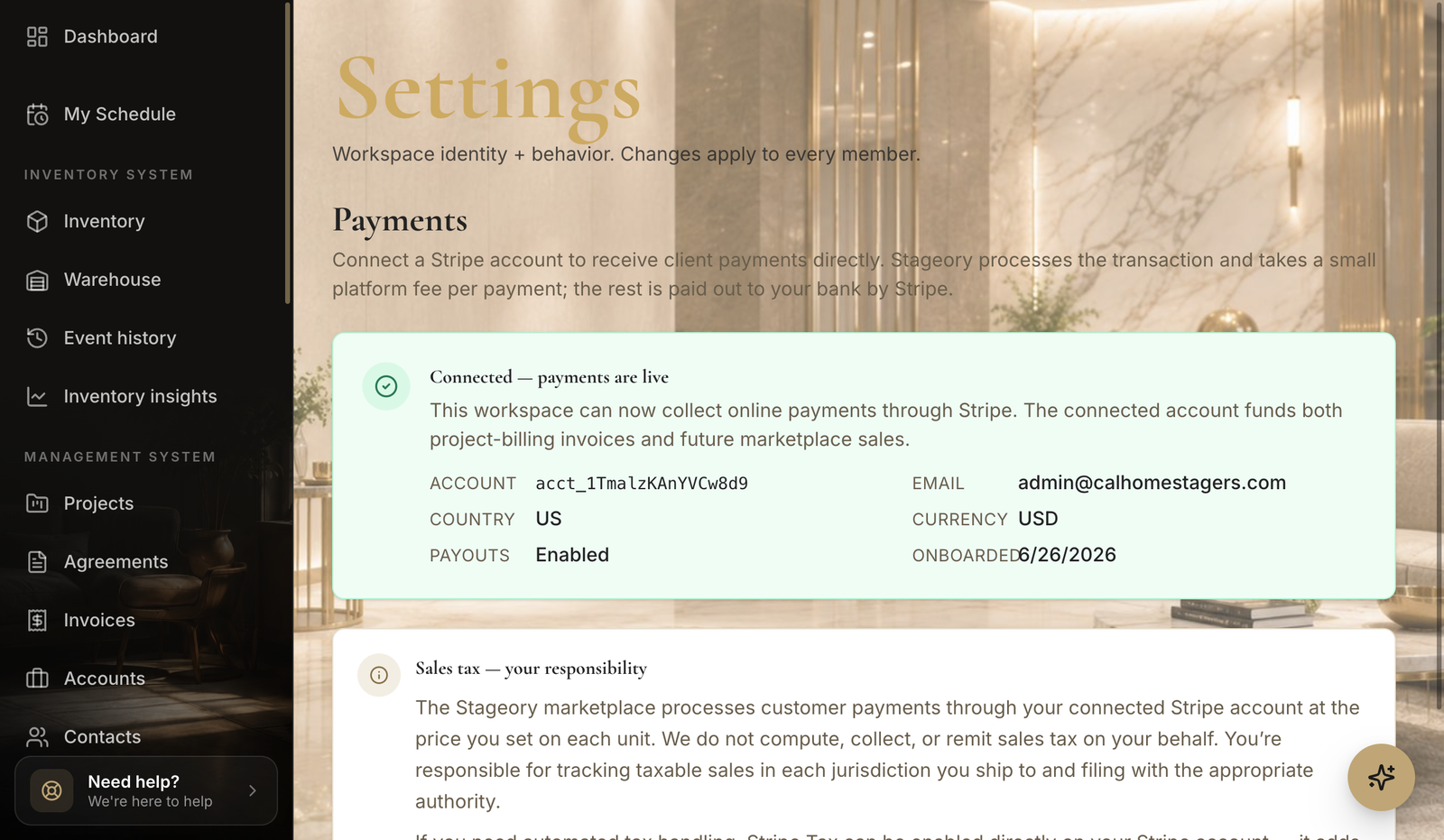
- 2
Connect your account
Stripe onboarding.
- Connect your payout account and complete the onboarding steps so you can accept card payments.
Tips
- You need a connected account before clients can pay an invoice online.
Still need help?
Can't find what you're looking for? Our team is here.