
- 1
Open Billing & Subscription
From the account menu.
- Click your avatar in the top-right and choose Billing & Subscription (or Usage & Credits).
app.stageory.com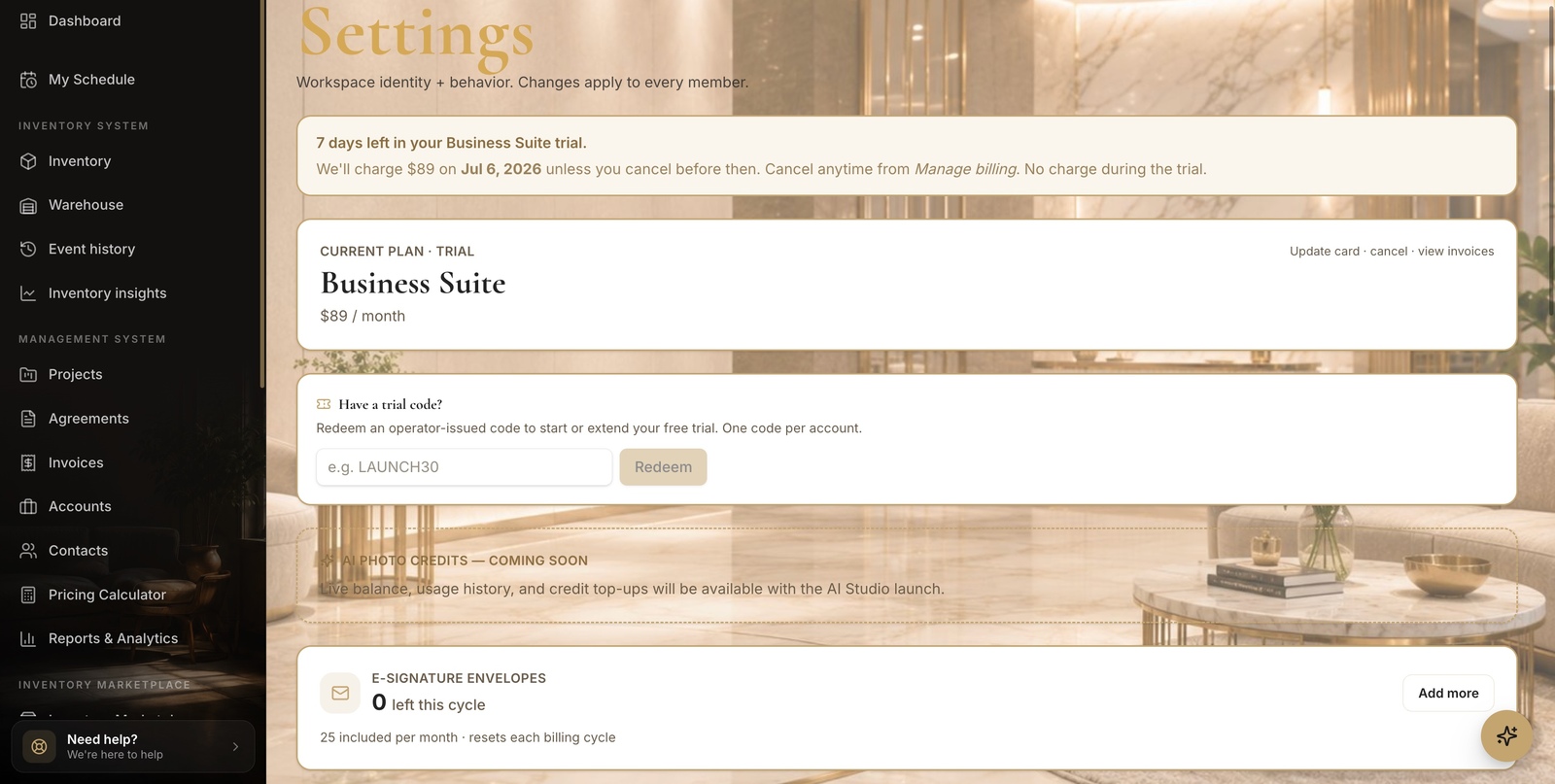
- 2
Check your balances
Envelopes & credits.
- The e-Signature envelopes card shows how many are left this cycle, and resets each billing period.
- AI Photo Credits shows your monthly allowance and purchased balance. Open Usage & Credits for recent activity, or choose Buy credits to top up.
Tips
- Allowances reset at the start of each billing period.
Still need help?
Can't find what you're looking for? Our team is here.