
Brand your workspace
Add your logo and brand so client-facing pages (proposals, invoices, storefronts) match you.
Open in Stageory- 1
Open Branding settings
Settings → Branding.
- In the sidebar, open Settings, then Branding.
app.stageory.com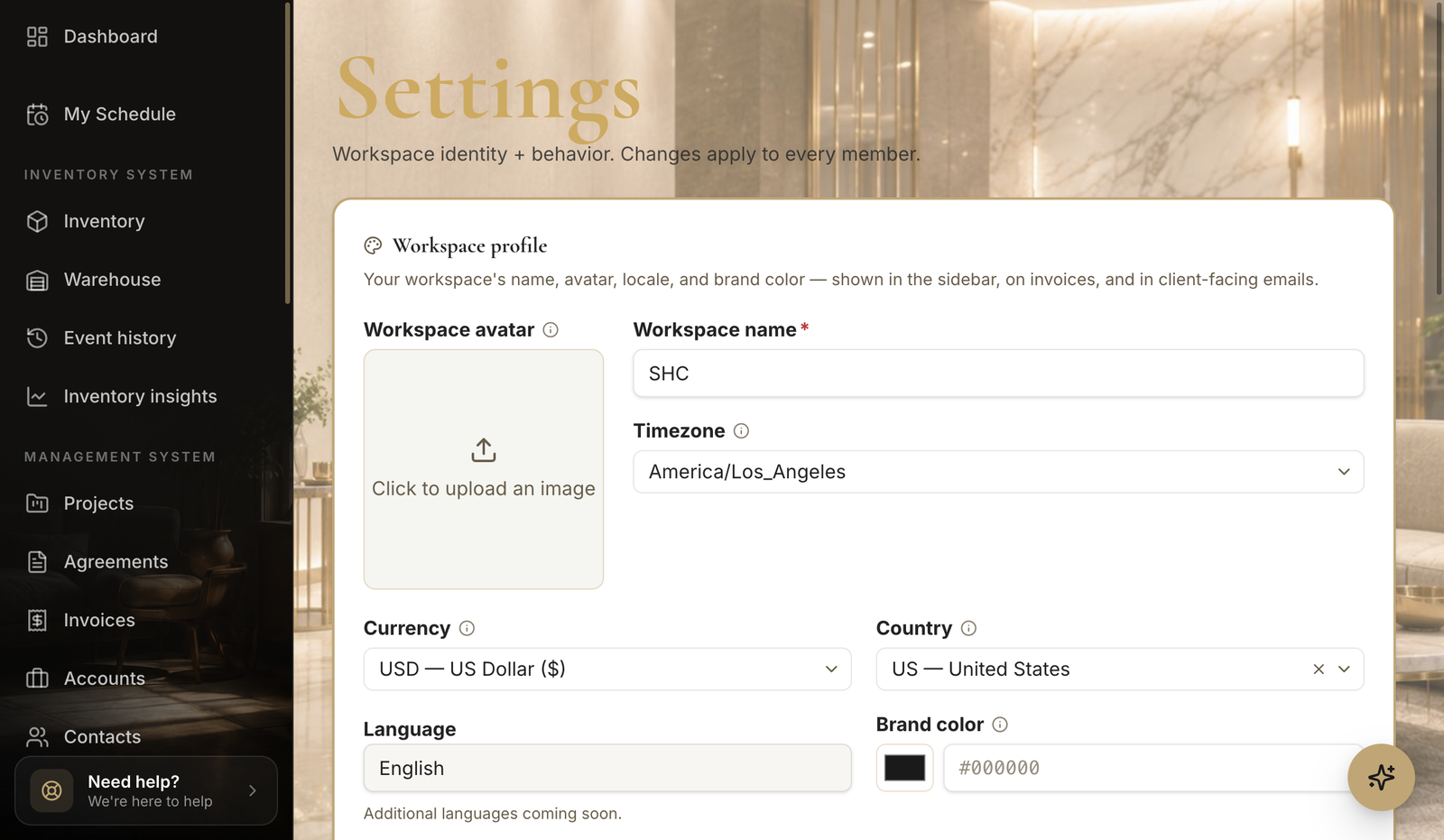
- 2
Upload your logo
Add your mark.
- Upload your logo so it appears on client-facing pages.
- Save your changes.
Tips
- Use a high-resolution logo with a transparent background for the cleanest result.
Still need help?
Can't find what you're looking for? Our team is here.