
- 1
Use the sidebar
Jump between areas.
- The left sidebar groups everything by system — Inventory System and Management System — plus Settings.
app.stageory.com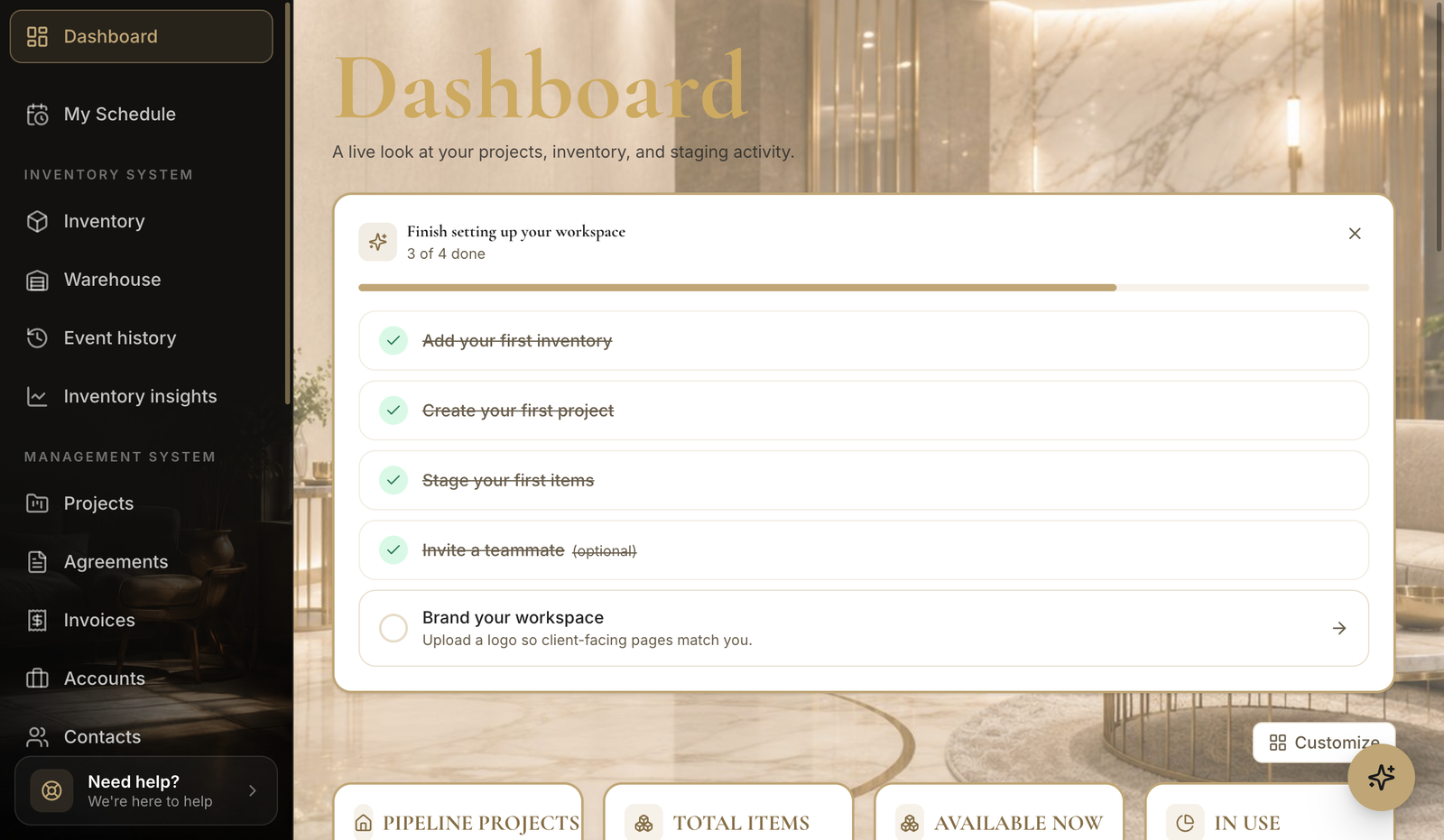
- 2
Search anything
Top-bar search.
- Use the search box in the top bar (or press ⌘K) to jump to items, projects, and people.
Tips
- The Scan button in the top bar jumps straight into QR scanning.
Still need help?
Can't find what you're looking for? Our team is here.