
- 1
Open the Calendar
Inside a project.
- In a project, open the Calendar tab.
app.stageory.com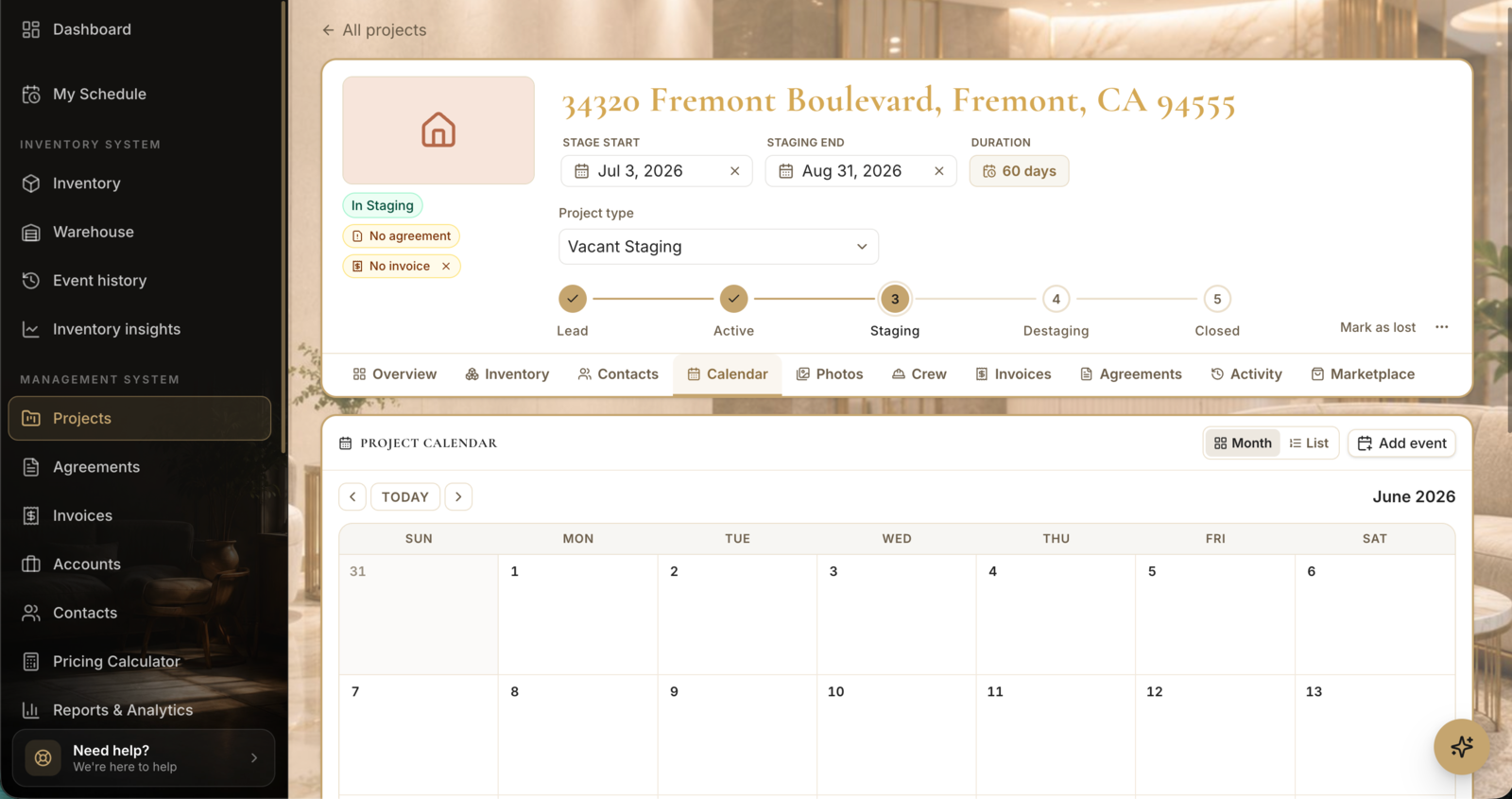
- 2
Set the schedule
Stage + pickup dates.
- Set your staging and pickup dates so the timeline and reminders line up.
Tips
- Scheduled dates feed your dashboard's Upcoming Projects widget.
Still need help?
Can't find what you're looking for? Our team is here.