
- 1
Open the Inventory tab
Inside the project.
- In a project, open the Inventory tab.
app.stageory.com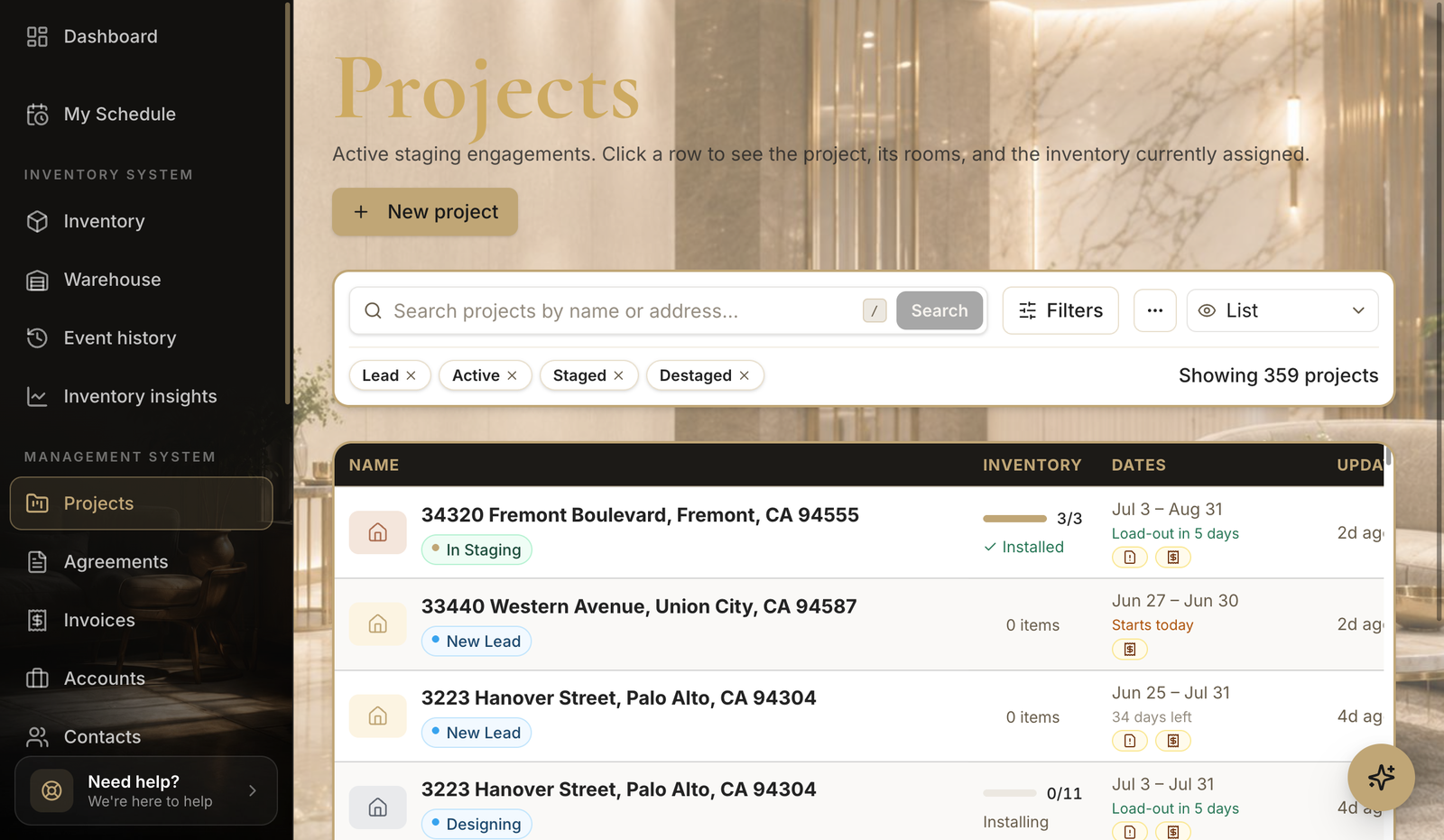
- 2
Manage assigned items
Add, move, remove.
- Add more items, move them between rooms, or unassign them when the staging ends.
app.stageory.com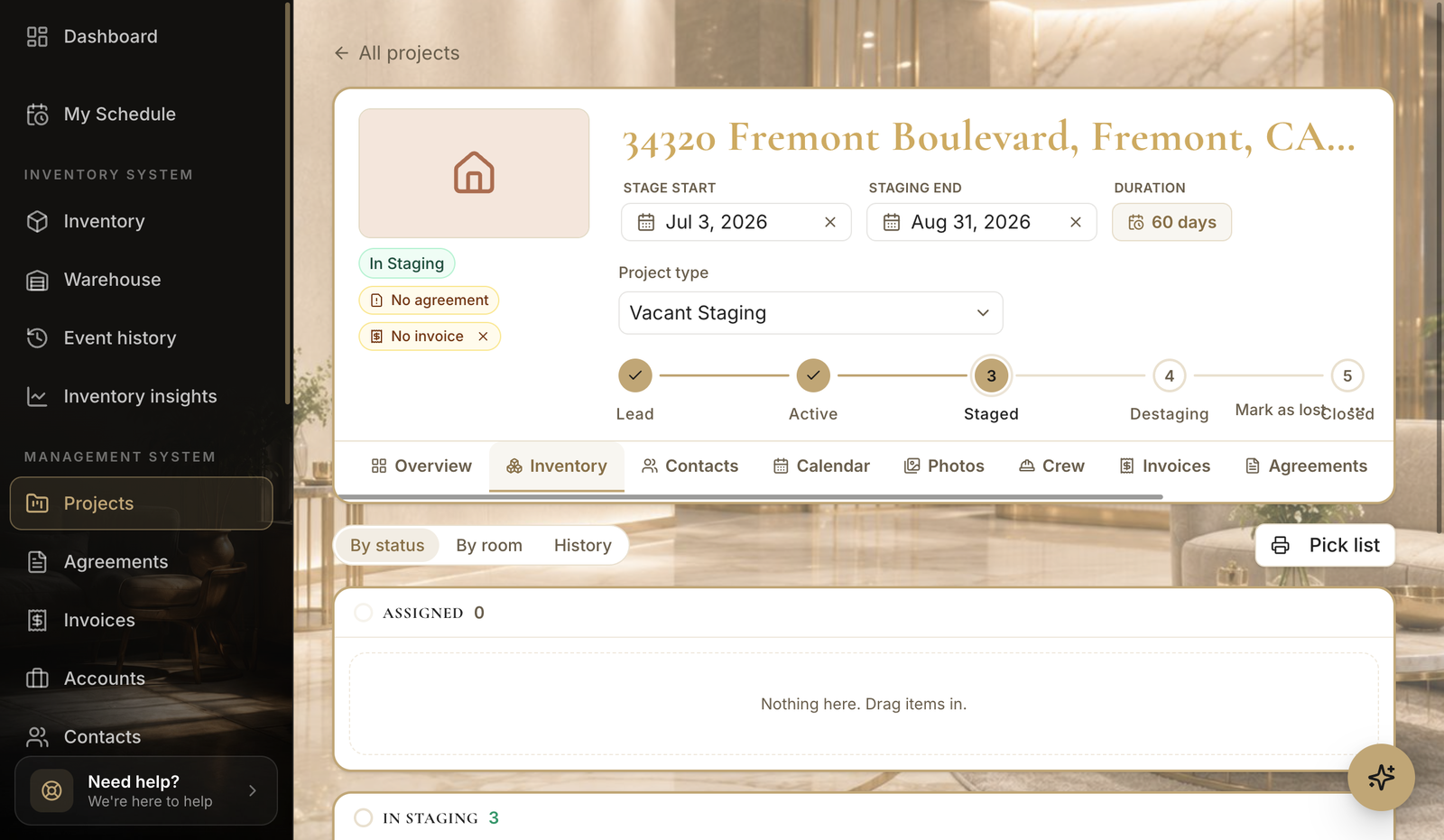
Tips
- Unassigning items returns them to available stock automatically.
Still need help?
Can't find what you're looking for? Our team is here.