
- 1
Open the activity log
From the sidebar.
- Open Activity log for workspace-wide actions, or Event history for item movements.
app.stageory.com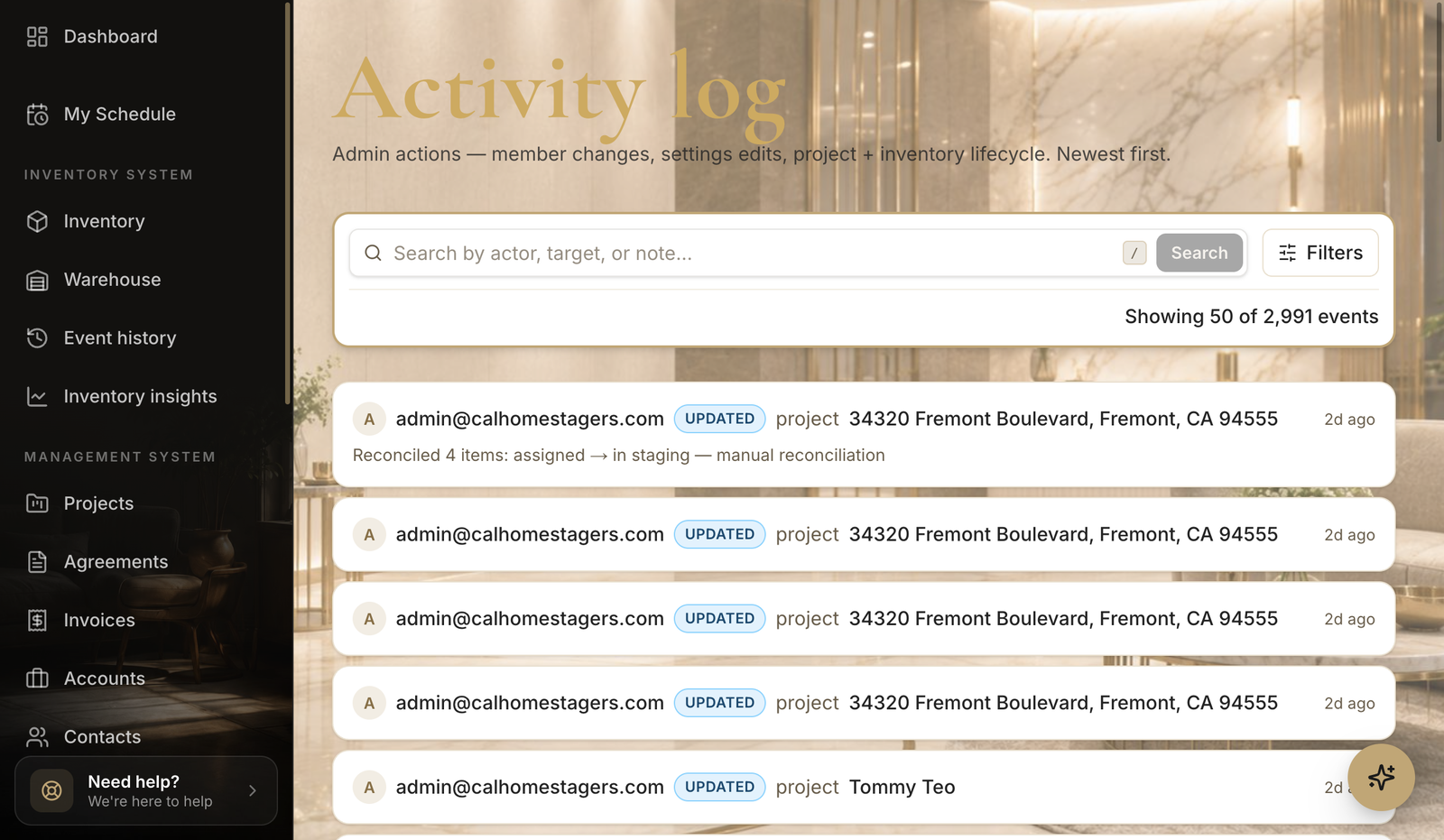
- 2
Filter the timeline
Narrow it down.
- Filter by type or date to find a specific change.
Tips
- Event history is the per-item version — open it from inside an inventory item too.
Still need help?
Can't find what you're looking for? Our team is here.