
- 1
Open the Privacy page
Settings → Privacy.
- Go to Settings, then Privacy, to open your privacy report.
app.stageory.com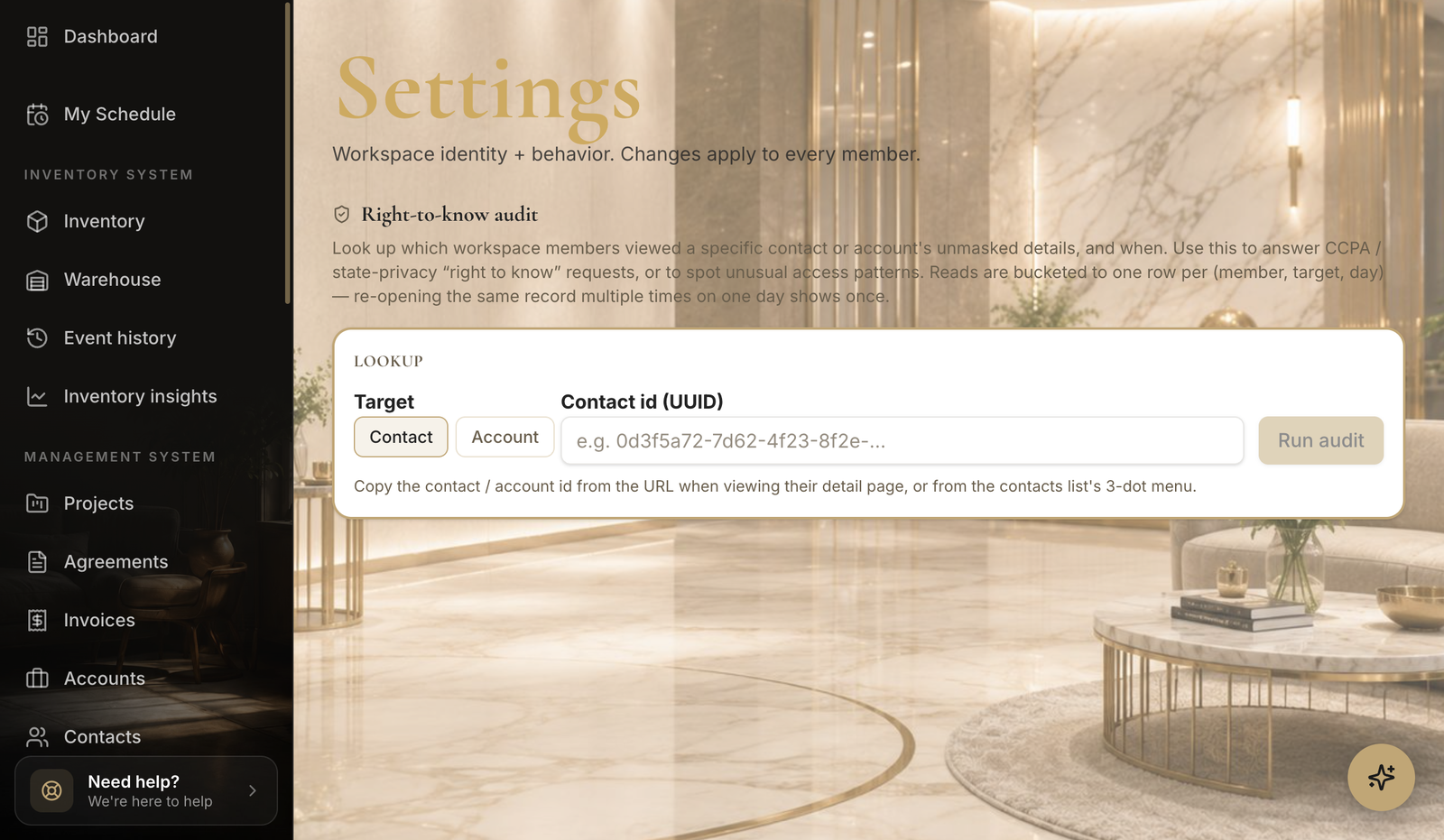
- 2
Review access
Who can see what.
- Review the access report to see how your data is shared.
Tips
- Privacy isn't in the main Settings menu yet — use Open in Stageory above to jump straight there.
Still need help?
Can't find what you're looking for? Our team is here.