
- 1
Open Danger zone
Settings → Danger zone.
- Open Settings, then Danger zone.
app.stageory.com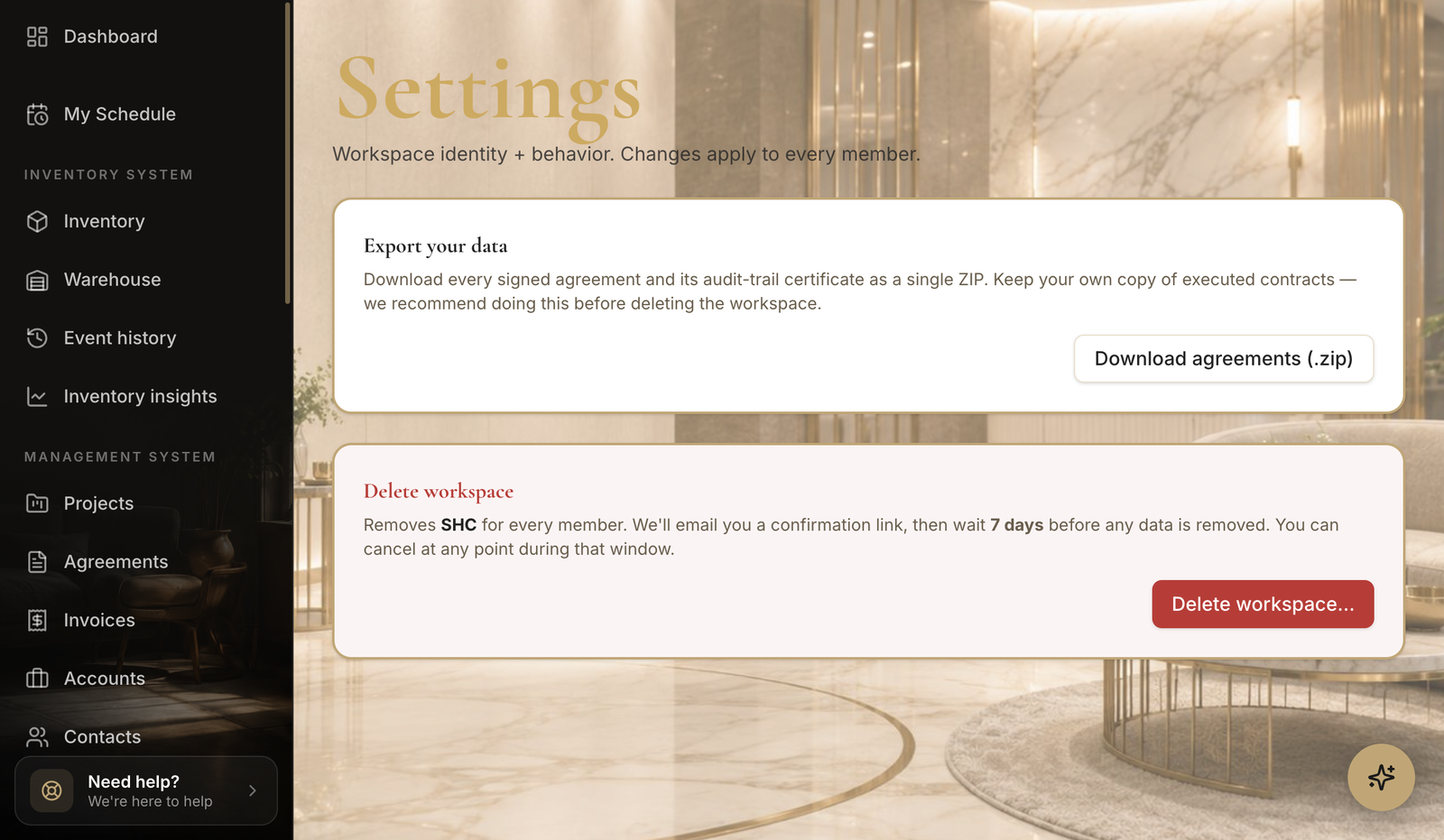
- 2
Delete the workspace
Confirm carefully.
- Follow the prompts to schedule deletion — you'll need to confirm explicitly.
Tips
- Deletion is permanent and removes all inventory, projects, and data.
- If you just want to stop billing, cancel your subscription instead.
Still need help?
Can't find what you're looking for? Our team is here.