
- 1
Open Scan
From the top bar.
- Tap Scan in the top bar to open the scanner.
app.stageory.com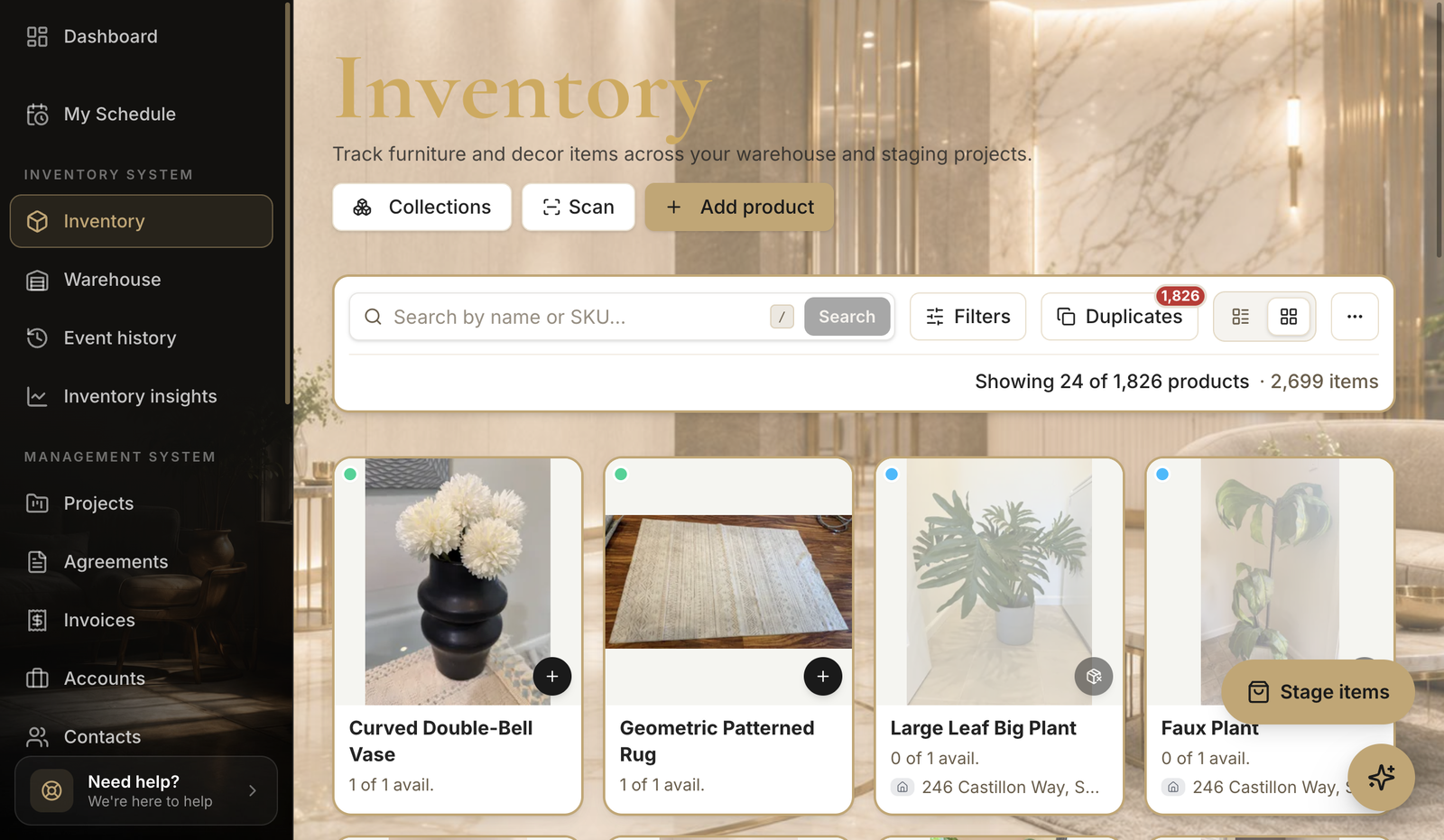
- 2
Scan a tag
Jump to the item.
- Point the camera at an item's QR tag to open it instantly, then update status or location.
Tips
- Print QR tags when you add items so every unit is scannable.
Still need help?
Can't find what you're looking for? Our team is here.